


FAQ Corner
How to Factory Reset the WD200 Plus Using Hardware Keys
Learn how to restore the WD200 Plus to its factory settings by entering Android Recovery Menu with the Programmable Key and Power Key.
Please click the picture for more details!

Usamos cookies para garantir que oferecemos a melhor experiência em nosso site. Se você continuar a usar este site, assumiremos que você está de acordo.


Copied to clipboard

Learn how to restore the WD200 Plus to its factory settings by entering Android Recovery Menu with the Programmable Key and Power Key.
Please click the picture for more details!
Restart the WD200 Plus, then press and hold the Programmable Key until the Android Recovery Menu appears.
Use the Programmable Key to move down through the menu options and the Power Key to confirm your selection.
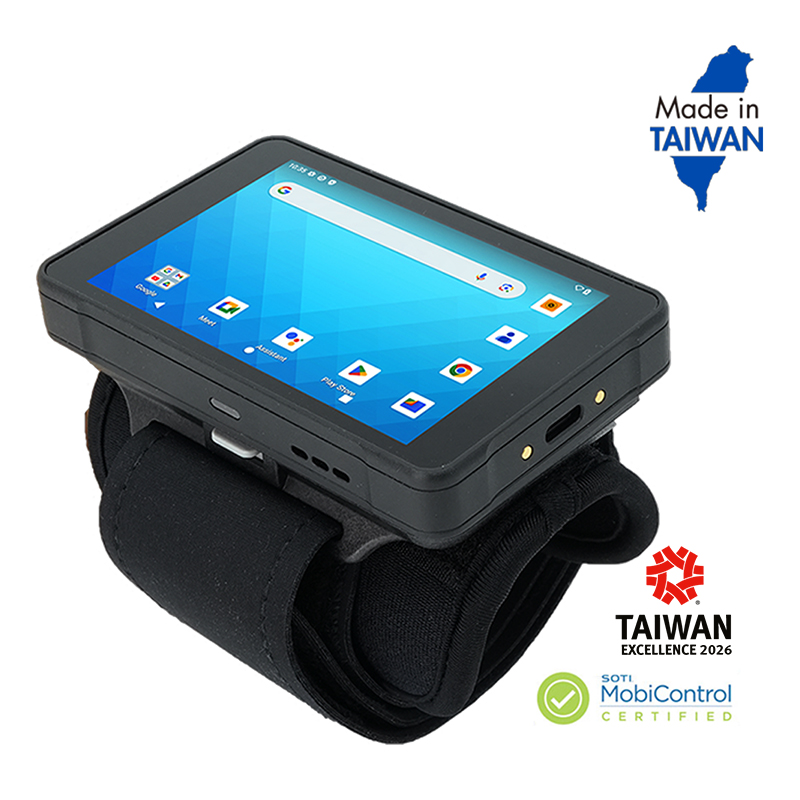
Wi-Fi 6 Technology | 123g with 2500mAh Battery | 2×2 MU-MIMO Wi-Fi